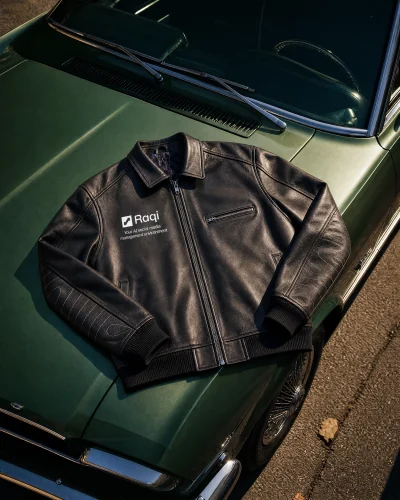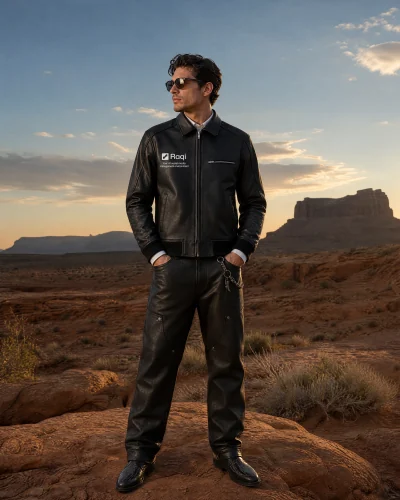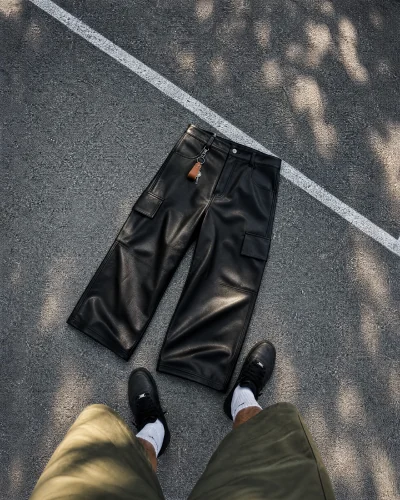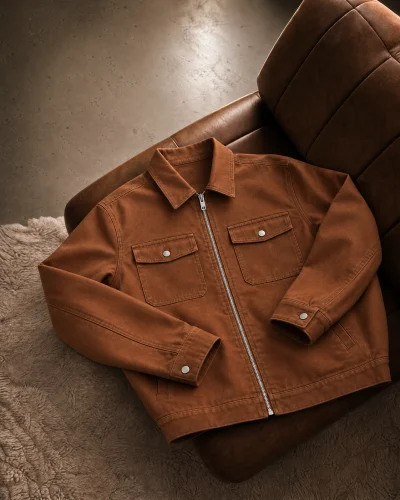

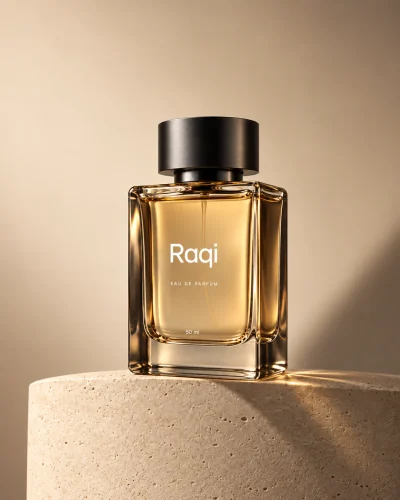
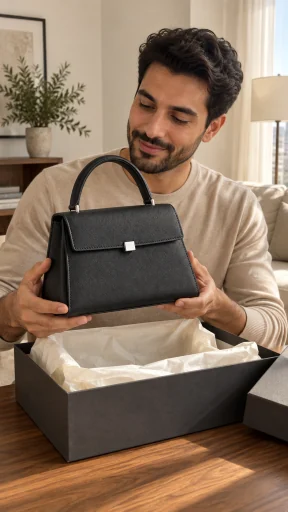
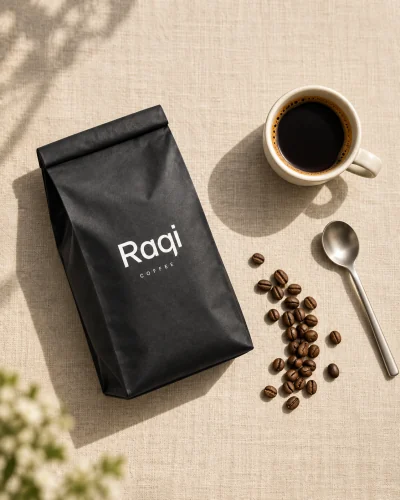
Describe it yourself
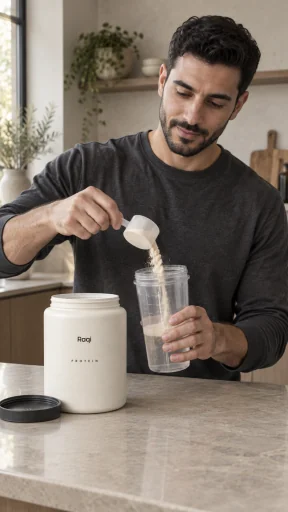
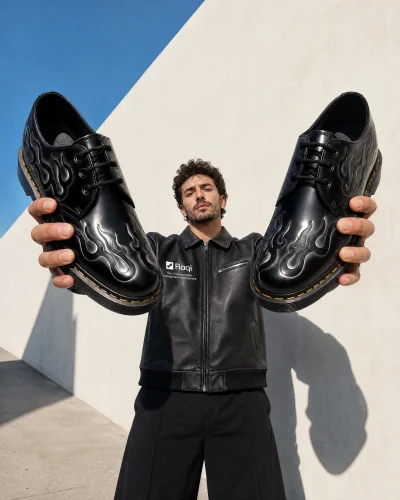
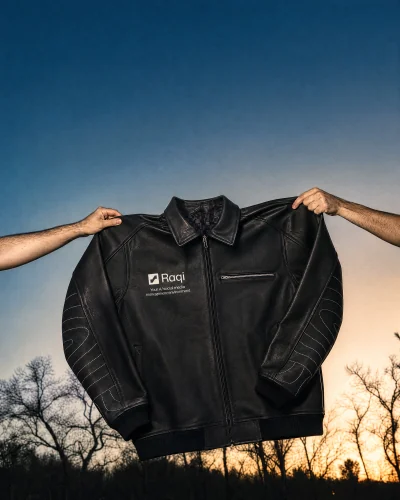
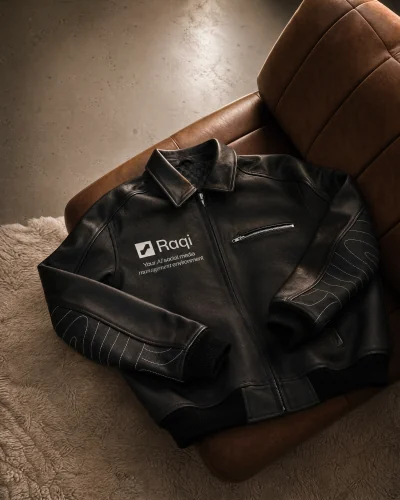
Write the shot you want, add your product photo as a reference and pick the model and size.
Ads Studio
Start from a template, a product link or your own prompt, add a photo of your product, and get images and videos ready for Instagram, Facebook and TikTok.
Capabilities
Start from a template, a product link or your own prompt, add a photo of your product, and get images and videos ready for Instagram, Facebook and TikTok.
Write the shot you want, add your product photo as a reference and pick the model and size.
Turn an image into a short video. The default video model, Seedance 2.5 Pro, makes 4 to 30 seconds with sound.
Write a caption for your ad for 1 credit, from Starter.
Save your brand colors, fonts and logos in one profile to use as creative references. Review each result before publishing.
Choose a template or a product ad preset, add your product and offer, then generate.
Pick the model for each ad. Every model is priced in credits, so you see the cost before you generate. GPT Image 2.5 is the default for images.
Create
Write a prompt or start from a template, add your product photo and pick the model, size and quality.
Pricing
Ads Studio works on every plan. The difference is how you buy credits and how many results you keep.
Getting Started
Start with a template or describe the ad you want to create.
Upload the photo and use it as a reference so your product looks like your product.
Pick the result you like and download it for your campaign.
Start on the Free plan and buy credits only when you need them. Paid plans add monthly credits, and every credit pack costs less from Starter up.
No credit card required.